Artificial intelligence has moved from a buzzword into a practical toolkit that small business owners can use right now, today, inside their WordPress websites. AI in WordPress is not a future trend you need to wait for — it is already built into tools you may already be using, and the plugins that bring it to the surface are maturing rapidly.
This guide covers the most useful ways to use AI in WordPress for small business websites in 2026, what it actually does well, and where it still needs a human eye to produce good results.
What AI in WordPress Actually Means in 2026
When people talk about AI in WordPress, they are usually referring to one of four things: AI-powered content generation, AI image creation, AI-assisted SEO optimisation, or AI chatbots for visitor engagement. Each of these works differently, serves a different purpose, and has different strengths and limitations.
The common thread is that these tools use large language models or image generation models, accessed through plugins or integrations. They automate or speed up tasks that previously required specialist skills or significant time. For a small business owner wearing multiple hats, the appeal is obvious. But understanding what AI in WordPress does well versus what it does poorly is essential before you commit to any particular tool or workflow.
AI Content Generation in WordPress
Plugins like Rank Math Content AI, Bertha AI, and the AI writing tools built into Elementor and Divi bring text generation directly into the WordPress editor. You can generate a first draft of a blog post, a product description, a meta description, or a call-to-action button label without leaving the WordPress dashboard.
The honest assessment of AI content generation in WordPress: it is excellent for first drafts, outlines, and getting past the blank page. It is poor at sounding genuinely human. It rarely reflects your specific business experience or the kind of detail and opinion that builds real trust with readers. Every piece of AI-generated content for a small business website needs substantial editing before it is ready to publish. Use it as a starting point, not a finished product.
The SEO risk worth understanding: Google has stated that AI-generated content is not against its guidelines as long as it is helpful, original, and produced with people in mind. Content that is clearly template-generated, thin, or lacks genuine expertise is penalised regardless of whether it was written by AI or a human. Edit heavily, add your own voice and specific examples, and never publish AI content without reading it thoroughly.
AI Image Generation for WordPress
Tools like DALL-E, Midjourney, and Stable Diffusion can generate custom images for your website without requiring a photographer or stock photo subscription. Several WordPress plugins now integrate image generation directly into the media library workflow, allowing you to generate a featured image for a blog post without leaving the editor.
For small business websites, AI-generated images work best for abstract concepts, decorative backgrounds, and illustrative graphics where photographic authenticity is not required. For anything that represents your actual business — your team, your workspace, your completed work — real photography is still the stronger choice. AI images are often visually distinctive in ways that trained eyes notice, and for a business trying to build genuine trust with potential clients, authenticity matters.
AI-Powered SEO Tools in WordPress
Rank Math, one of the most popular WordPress SEO plugins, has added significant AI functionality in recent versions. Its Content AI feature analyses your target keyword and examines the top-ranking content for that keyword. It then suggests the topics, questions, and related terms your content should cover to compete effectively. It also generates meta descriptions, schema markup suggestions, and title tag variations.
This is arguably where AI in WordPress delivers the most consistent value for small businesses. Rather than replacing content writing entirely, it supports the research and optimisation process. It helps you understand what comprehensive coverage of a topic looks like before you write, and flags gaps in your content after you do. Used this way, AI becomes a research and quality control tool rather than a content factory.
AI Chatbots for Small Business WordPress Sites
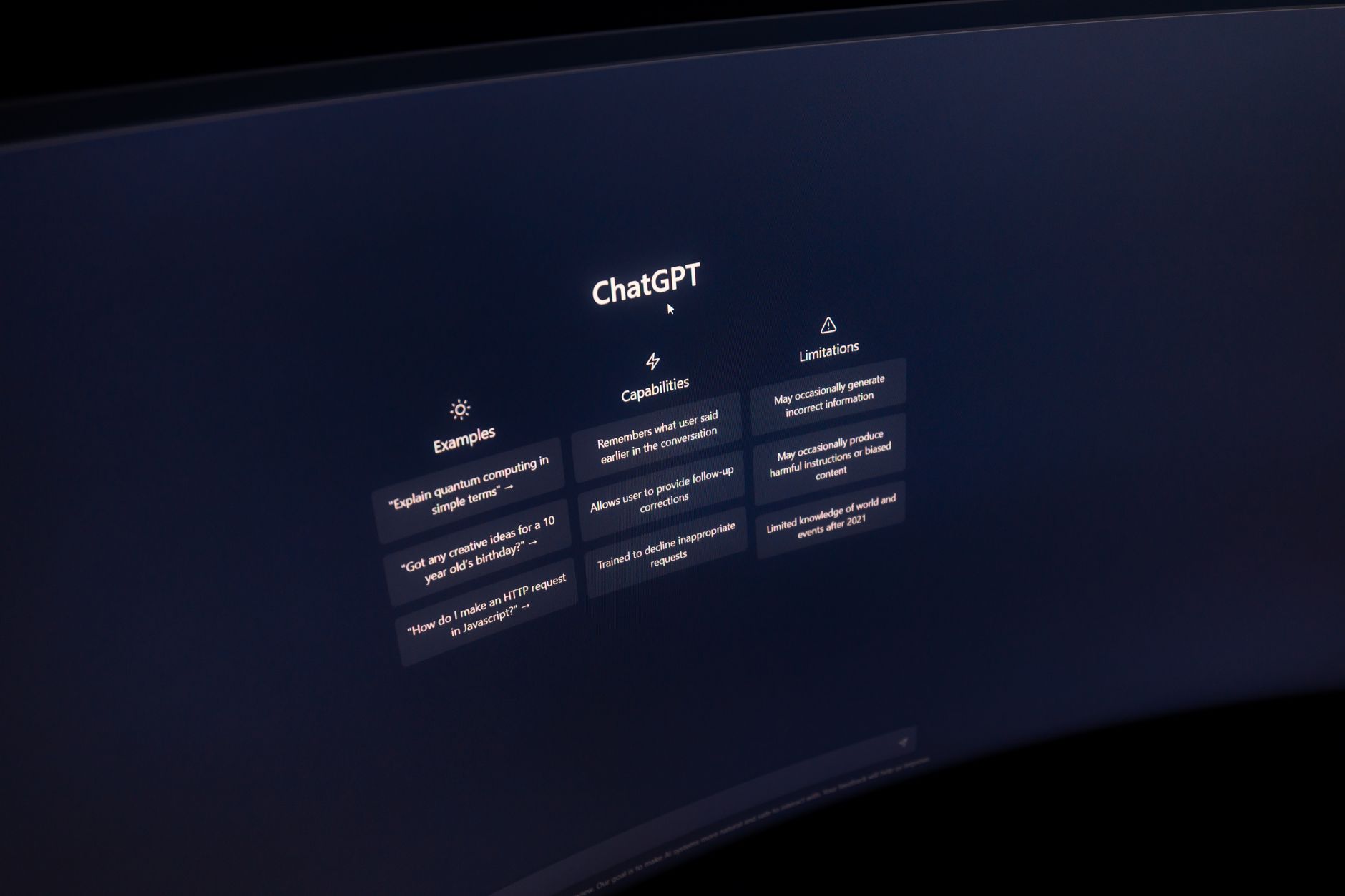
AI-powered chatbots have improved dramatically and are now a practical option for small business websites. Plugins like Tidio, LiveChat, and Crisp integrate GPT-based AI that can answer common visitor questions, qualify leads, and capture contact information outside business hours.
The practical benefit for a small business is significant. A well-configured AI chatbot handles the 80 percent of questions that are always the same — pricing, timelines, what services you offer, how to get started — and escalates the genuinely complex enquiries to you. Visitors who might have left without getting an answer instead get an immediate response that keeps them engaged. Set up takes a few hours to configure the knowledge base, but the ongoing time saving is meaningful.
The Limits of AI in WordPress
AI tools in WordPress are genuinely useful, but they have real limitations that small business owners should understand before relying on them heavily. They do not know your business specifically — every output needs to be reviewed for accuracy and relevance. They produce average outputs based on what is most common across their training data. Genuinely distinctive thinking, fresh angles, and specific expertise rarely emerge from AI alone.
They also have no accountability. If an AI-generated description of your service is inaccurate, or an AI chatbot gives a visitor incorrect information about your pricing, that is your problem to fix. Used thoughtfully as assistants rather than replacements, AI tools in WordPress make a small business more efficient. Relied on uncritically, they can produce content that is bland at best and misleading at worst.
At Aesthetic Web Studio, we use AI tools selectively in our workflow — for research, for drafts, for optimisation suggestions — while ensuring everything that goes on a client’s website reflects their genuine voice and expertise. Get in touch to talk about how we approach AI in our web design process, or read our guide on best WordPress plugins for small business for more on building a smart WordPress toolkit.
Before publishing, check your meta title and description length with our free meta tag checker. It shows a live Google SERP preview so you can see exactly how your page will appear in search results.
Need professional help with your SEO? Our SEO optimisation service covers keyword research, on-page SEO, technical fixes and content strategy for small businesses.
Want a website designed to convert? Our UI/UX design service focuses on layouts and user journeys that turn visitors into enquiries.
Related reading: Best WordPress AI Plugins in 2026: Honest Guide for Site Owners | WordPress Multisite: What It Is and When Small Businesses Should Use It | The Complete Guide to WordPress Security for Small Businesses (2026)
Frequently Asked Questions
Is AI-generated content safe to use on a WordPress website?
Google does not penalise AI-generated content as a category. What it penalises is thin, unhelpful, or unoriginal content regardless of how it was produced. AI-generated content that has been substantially edited, fact-checked, and enriched with genuine expertise and specific examples can rank well. Unedited AI output that reads as generic and templated typically does not perform well in search.
What is the best AI plugin for WordPress in 2026?
For SEO and content optimisation, Rank Math Content AI is the most integrated option for existing Rank Math users. For general content writing assistance, Bertha AI and the AI features built into Elementor Pro are well-regarded. For chatbots, Tidio offers a solid free tier with AI upgrade options. The best plugin depends on your specific use case.
Will AI replace web designers and developers?
Not in any near-term timeframe that affects small business decisions in 2026. AI tools can generate code, layouts, and content, but producing a website that is strategically sound, visually coherent, conversion-optimised, and accurately represents a specific business still requires human judgment, experience, and accountability. AI makes designers more productive; it does not make them unnecessary.
If this was useful, tell Google you want more of it.