
WordPress security isn’t something most small business owners think about until something goes wrong. And when something goes wrong on a WordPress site — a hack, malware injection, or data breach — the consequences can be severe. You can face lost client data, a blacklisted domain, and days of downtime while the site is cleaned up.
The good news is that most WordPress security threats are preventable. Not through technical wizardry, but through a consistent set of basic practices that dramatically reduce your risk. Here’s what you need to know.
Why WordPress Sites Get Hacked
WordPress powers over 43% of all websites on the internet, which makes it a high-value target for automated attacks. Most hacks aren’t targeted at your specific business. They’re automated bots scanning the internet for sites running outdated software, weak passwords, or known vulnerabilities in popular plugins.
This is actually reassuring: because most attacks are automated and opportunistic, keeping your site updated and following basic security practices puts you ahead of the vast majority of targets. Hackers go for easy wins. Make your site not worth the effort.
Keep Everything Updated
Outdated plugins, themes, and WordPress core are the single most common entry point for attackers. Developers release updates specifically to patch security vulnerabilities — when you delay updating, you’re leaving a known door unlocked.
Set your plugins to auto-update where possible (WordPress Dashboard > Plugins > enable auto-updates for each one). For core WordPress updates, most hosts handle minor updates automatically. For major version updates, update promptly but take a backup first.
Use Strong, Unique Passwords and Two-Factor Authentication
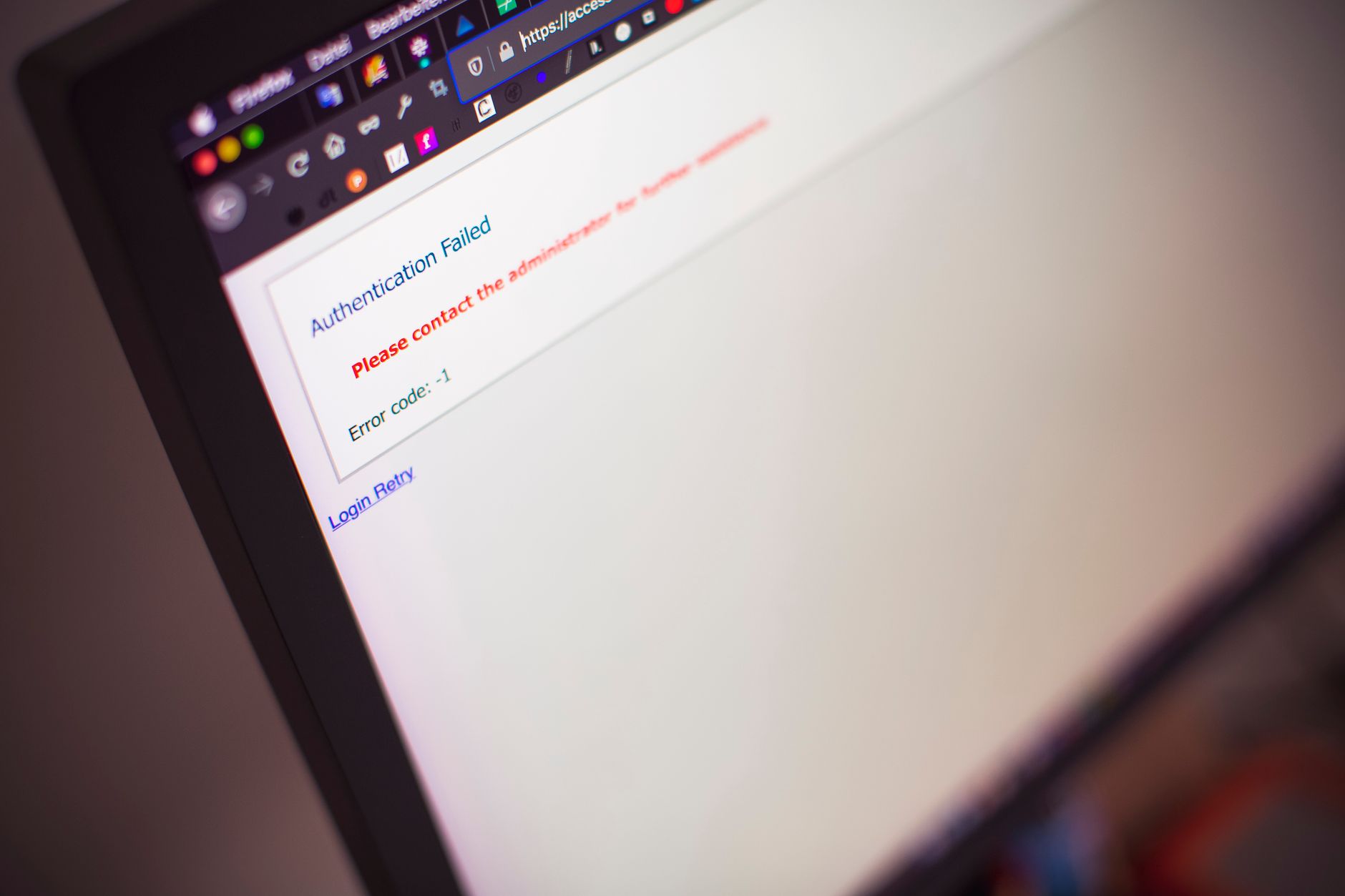
“Admin” as a username and “password123” as a password is not a hypothetical example — it’s genuinely one of the most common combinations on compromised WordPress sites. Your WordPress admin password should be at least 16 characters, random, and used nowhere else.
Use a password manager (1Password, Bitwarden, or even the built-in one in Chrome or Safari) to generate and store secure passwords. Then add two-factor authentication to your WordPress admin account. The Wordfence plugin or a dedicated 2FA plugin like WP 2FA handles this with a simple QR code setup that takes about 3 minutes.
Limit Login Attempts
By default, WordPress allows unlimited login attempts. This means attackers can run automated scripts that try thousands of username/password combinations until they find one that works — a brute force attack. Limiting login attempts to 3 or 5 before temporarily blocking an IP address stops this cold.
The Wordfence plugin includes this feature. Limit Login Attempts Reloaded is a free dedicated plugin that does the same job. Either option takes minutes to install and configure.
Install a WordPress Security Plugin for Small Business
A good WordPress security plugin acts like a security guard for your site. It scans for malware, blocks suspicious traffic, and alerts you when something unusual happens. For small businesses, Wordfence (free version) is the most widely used option. It includes:
- A web application firewall that blocks known attack patterns
- Malware scanner that checks your files against WordPress core
- Login security features including 2FA and login attempt limiting
- Email alerts when threats are detected
Sucuri is the other major option, with slightly more focus on cleanup services if your site does get hacked. For most small businesses, Wordfence free covers everything you need.
Use HTTPS and Keep Your SSL Certificate Active
If your site is still running on HTTP rather than HTTPS, fix that immediately. HTTPS encrypts data transferred between your site and your visitors. It protects contact form submissions, prevents data interception, and is a confirmed Google ranking factor. Most modern hosts provide free SSL certificates through Let’s Encrypt.
Check your SSL certificate expiry date and ensure it’s set to auto-renew. An expired SSL certificate shows visitors a browser warning page — one of the most trust-destroying things that can happen to a small business website.
Back Up Regularly — and Test Your Backups
If the worst happens and your site is compromised, a recent backup is the difference between a 30-minute recovery and starting from scratch. Backups should run automatically, daily if possible, and be stored off-site — not on the same server as your website.
UpdraftPlus (free) backs up to Google Drive, Dropbox, or Amazon S3 automatically. Configure it to keep at least 30 days of backups. And test your restore process at least once — a backup you’ve never tested is a backup you can’t rely on.
Change Your Login URL
By default, every WordPress site can be accessed via /wp-admin or /wp-login.php. Automated bots know this and target these URLs constantly. Moving your login page to a custom URL (/your-company-login or similar) reduces automated attack attempts significantly.
WPS Hide Login is a free plugin that handles this in seconds. It’s a simple measure but an effective one for reducing the noise of automated login attempts.
Disable XML-RPC If You Don’t Need It
XML-RPC is a WordPress feature that allows remote connections — it was designed for mobile apps and third-party tools to interact with WordPress. Most small business sites don’t need it, but it’s a common attack vector. Disable it unless you have a specific reason to keep it on. The Wordfence plugin can disable it, or you can add a simple code snippet to your .htaccess file.
WordPress security doesn’t need to be complicated or expensive. A combination of keeping things updated, using strong passwords with 2FA, installing Wordfence, and backing up regularly makes a real difference. It puts you in a significantly more secure position than the vast majority of small business WordPress sites.
If you’d prefer to hand this off entirely, Aesthetic Web Studio offers monthly WordPress maintenance plans that include security monitoring, updates, and daily backups — so you can focus on your business and stop worrying about your website.
Security works hand in hand with site speed — read our guide on how to speed up your WordPress website. For ongoing protection, consider our WordPress maintenance checklist. Our maintenance plans cover security monitoring automatically.
Keeping your site updated and secure is essential. Learn about our WordPress maintenance plans starting from $99/month.
Need professional help with your SEO? Our SEO optimisation service covers keyword research, on-page SEO, technical fixes and content strategy for small businesses.
Related reading: Best WordPress AI Plugins in 2026: Honest Guide for Site Owners | WordPress Multisite: What It Is and When Small Businesses Should Use It | How to Use AI in WordPress: A Practical Guide for Small Business Owners (2026)
Frequently Asked Questions
How often do WordPress sites get hacked?
WordPress sites collectively experience millions of attack attempts daily — but the vast majority are automated and target known vulnerabilities in outdated software. A site running current versions of WordPress, themes, and plugins with a security plugin installed is at very low risk.
Is the free version of Wordfence enough for a small business?
For most small businesses, yes. Wordfence free includes the web application firewall, malware scanner, and login security features that address the most common threats. The premium version adds real-time threat intelligence, but the free version provides solid baseline protection.
Should I move my WordPress site to a managed hosting provider for better security?
Managed WordPress hosting (Kinsta, WP Engine, Cloudways) does offer enhanced security features including server-level firewalls, automatic malware scanning, and isolated hosting environments. For businesses handling sensitive client data, it’s worth considering. For most small business websites, good shared hosting with the security practices above is sufficient.
If this was useful, tell Google you want more of it.