
Most people do not browse gym websites for fun — they land on one because they have already decided to change something about their fitness, and they are scanning for a reason to trust this specific gym enough to book a trial class or tour. A gym website’s job is to remove every bit of friction between that decision and a booked visit.
Why Gym Websites Underperform
Many gym and fitness studio websites lead with generic stock photography of people mid-workout, vague copy about “transforming your fitness journey,” and a class schedule buried two or three clicks deep. None of that tells a nervous first-time visitor what an actual class feels like or makes booking easy.
What Actually Converts Sign-Ups
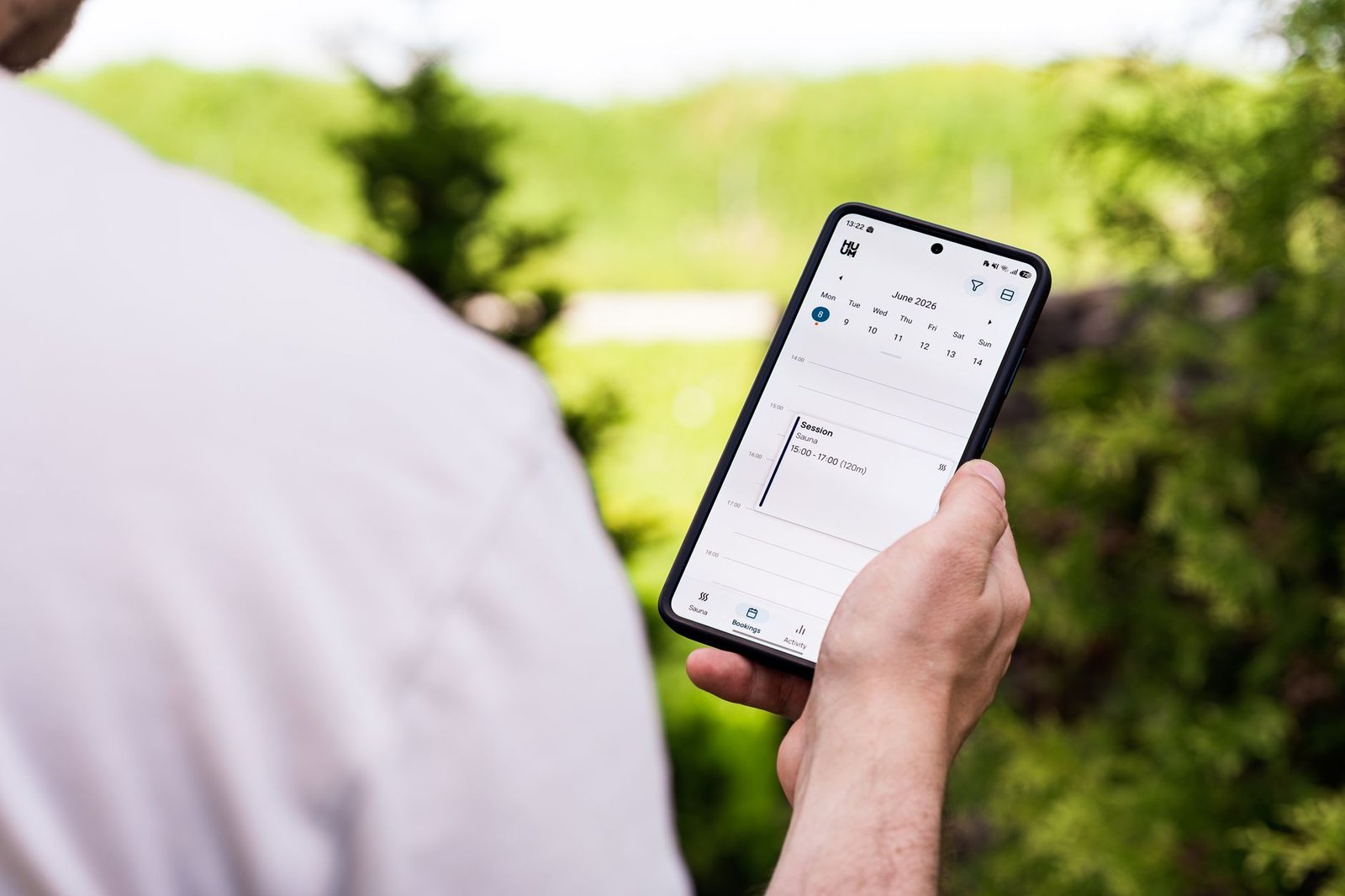
- A visible class schedule — timing is often the deciding factor for someone weighing whether a gym fits their life. Burying the schedule behind a login or a separate app link loses visitors who just want to check compatibility first.
- A low-commitment trial offer, front and centre — a free class or a discounted first week removes the biggest barrier: fear of committing to an unfamiliar environment.
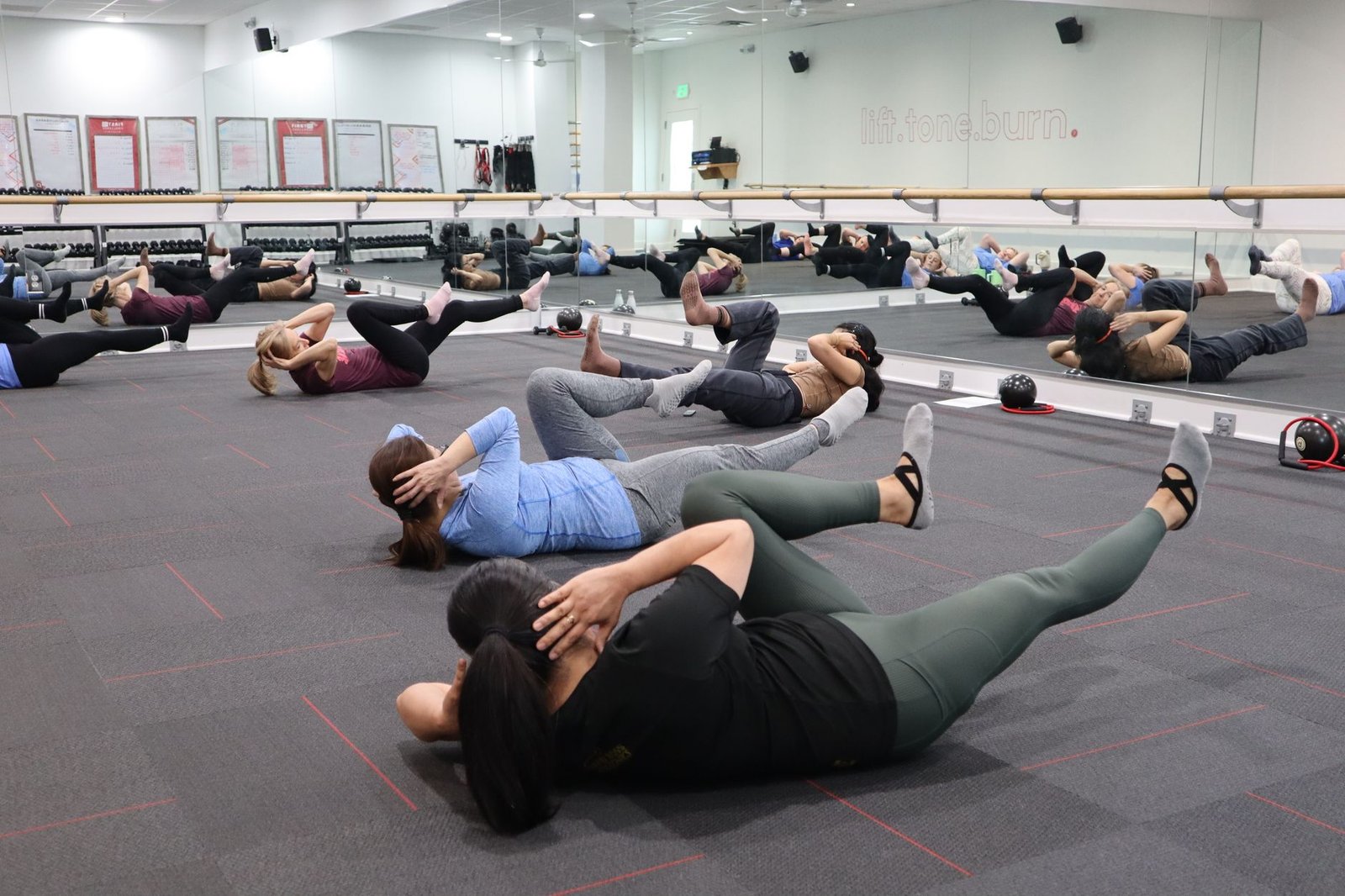
- Real photos and video of real classes — actual members, actual instructors, actual energy. Stock photography of unrelated models is easy to spot and undercuts trust immediately.
- Instructor bios with personality — people join gyms for coaches and community as much as equipment. Bios that show real personality and specialities help visitors picture themselves in a specific class.
- Transparent pricing or a clear “get pricing” path — hiding membership costs entirely increases bounce rate; even a starting-from range builds trust.
Mobile Experience and Local Search
“Gym near me” and “[class type] near me” are high-intent, mobile-heavy searches, often made by someone actively deciding to start today. A slow site, a schedule that is hard to read on a phone, or a trial-booking form with too many fields will lose exactly the visitors most ready to act.
Connecting the Website to Your Booking Software
Most gyms already run class bookings and memberships through a dedicated platform (Mindbody, Glofox, or similar). A website that does not integrate cleanly with that system creates a second, disconnected step for visitors right when they are ready to commit. Our gym and fitness studio website design service is built to connect directly with the booking and membership tools you already use.
Common Mistakes We See
The most frequent issues on gym websites we review: a class schedule that requires downloading an app before you can even see it, homepage hero video that is slow to load and delays everything else on the page, and a trial offer that exists somewhere on the site but is not mentioned on the homepage where most visitors land first.
Related reading: Website Design Cost by Industry and Getting More Google Reviews.
Frequently Asked Questions
Should a gym website show a free trial offer on the homepage?
Yes. A low-commitment trial removes the biggest barrier to a first visit — fear of committing to an unfamiliar environment — and should be visible without scrolling, not buried on a separate offers page.
Does a gym website need to show pricing?
At minimum, a starting-from range or a clear path to get pricing quickly. Hiding membership costs entirely tends to increase bounce rate from visitors who assume the worst and leave rather than ask.
How important is the class schedule on a gym website?
Very important — schedule compatibility is often the deciding factor for a first-time visitor. It should be easy to find and read on mobile, not buried behind a login or a separate app download.
If this was useful, tell Google you want more of it.